
Appearance
Right-to-left Languages
Lynx fully supports languages written from right to left, such as Arabic, Hebrew and Persian. When a store view uses one of these languages, the whole storefront mirrors automatically: the header, the menu, filters, product pages, sliders, the cart, the checkout and the customer account all read from right to left.
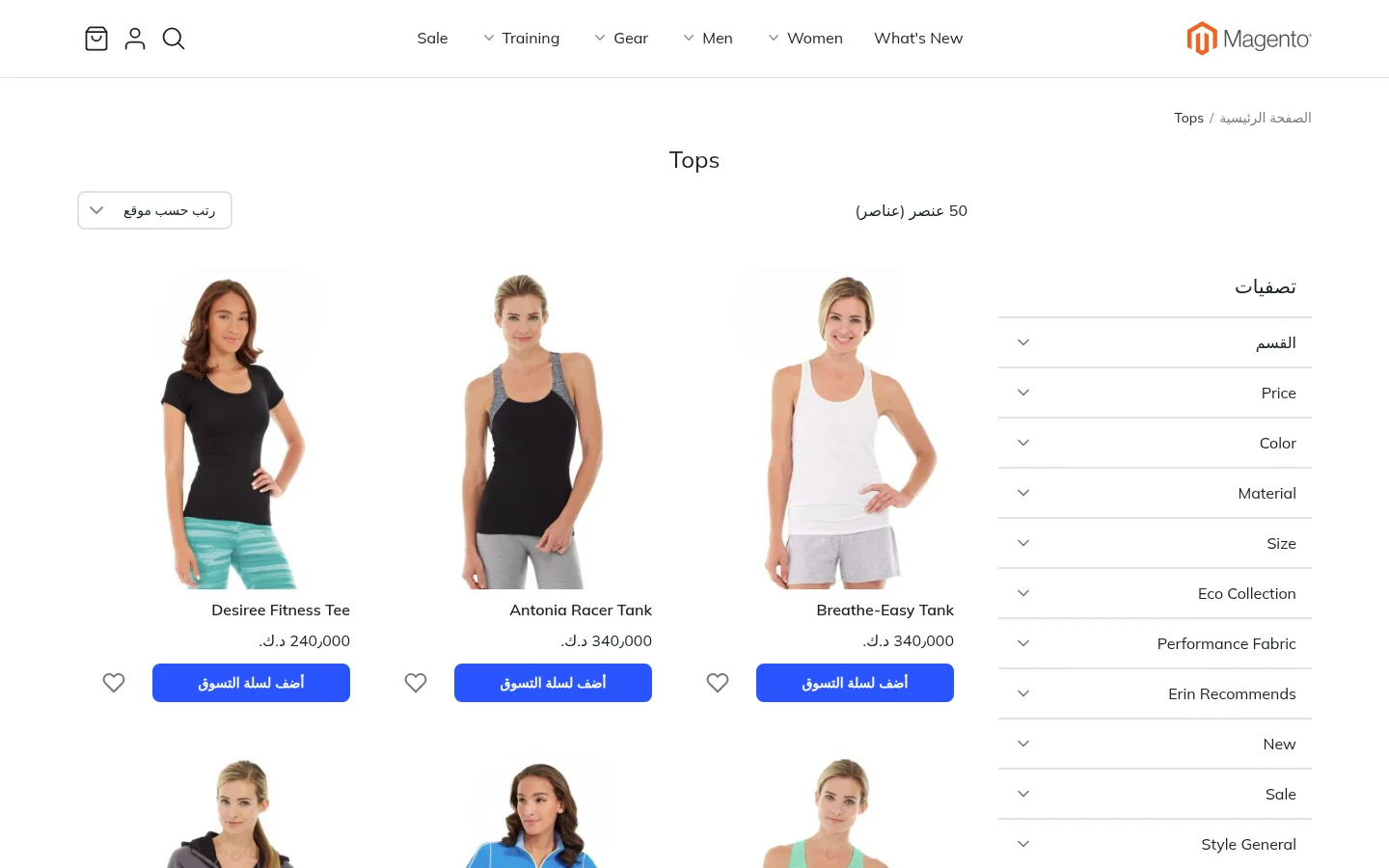
One design for both directions
There is no separate right-to-left design to build or keep up to date. Blocks place things at the Start and End of a line instead of left and right, so the same design works in both directions:
- In English, Start is on the left and End is on the right.
- In Arabic, Start is on the right and End is on the left.
A heading aligned to Start, a button justified to End or a discount badge in the top corner of a product image all land in the right place for each language.
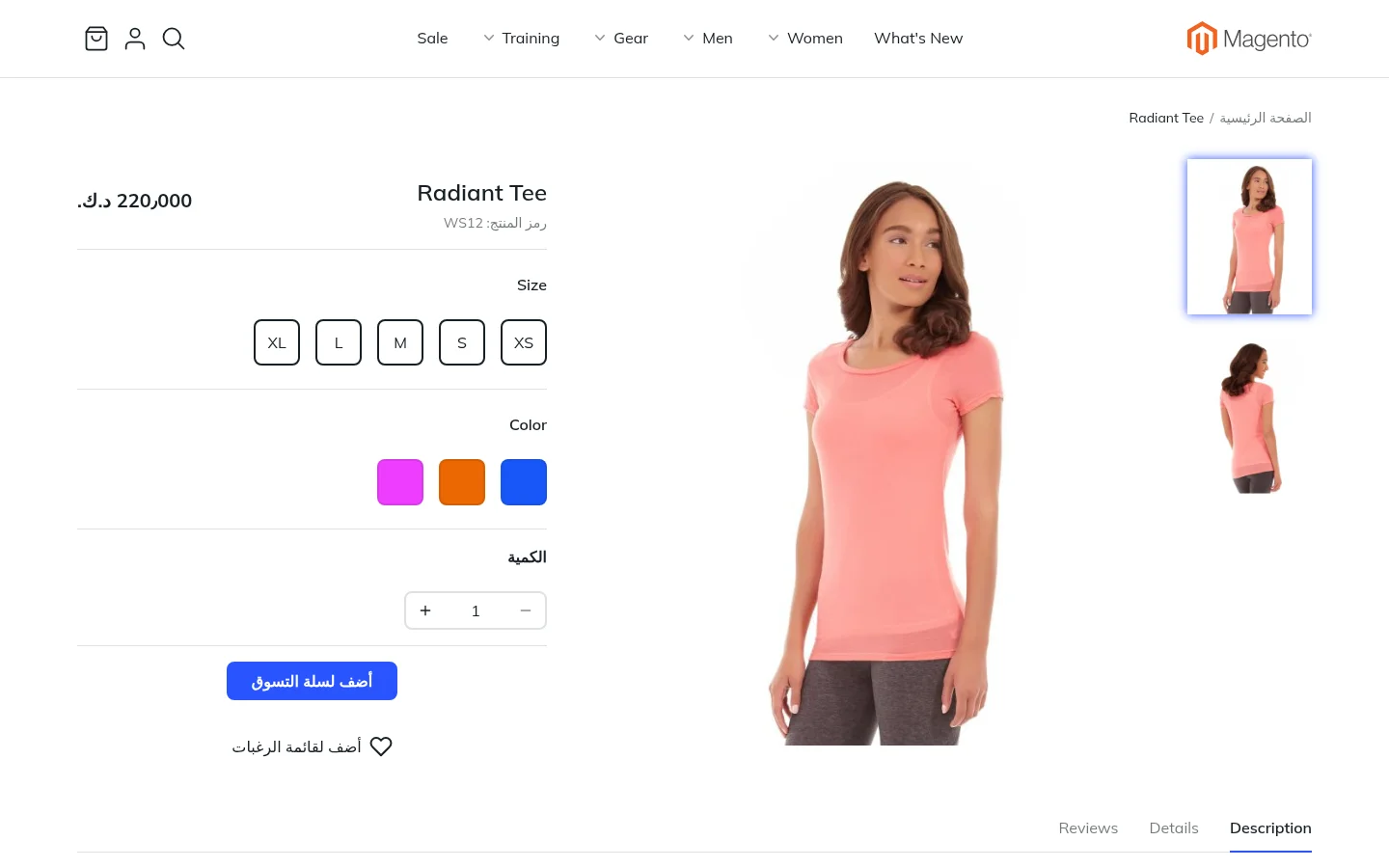
What changes automatically
- Layout: columns, sidebars and filters swap sides.
- Navigation: the menu and submenus open towards the reading direction.
- Sliders and carousels: they sit in the mirrored layout and their arrows point the right way.
- Icons with a direction, such as arrows and chevrons, are mirrored.
- Text, numbers and prices follow the store view's language and locale, using Magento's own translations and currency formats.
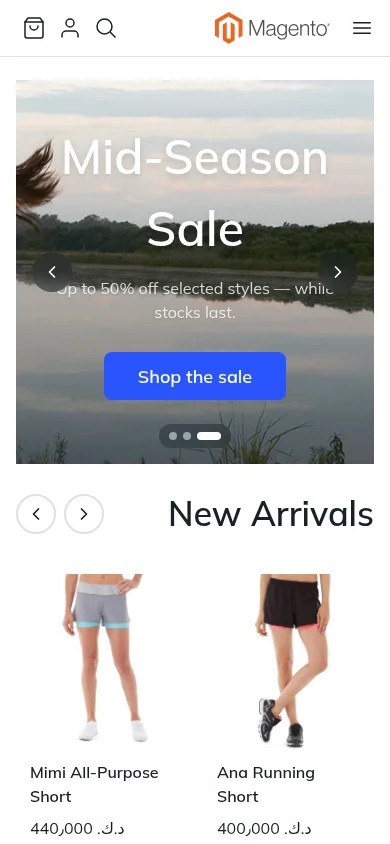
On phones
The mobile layout mirrors as well. The menu button, the logo and the cart swap sides, and product rows read from right to left.
Setting it up
Right-to-left is switched on by the store view's language. In Stores › Configuration › General › Locale Options, set Locale to a right-to-left language, such as Arabic, for that store view. Install a language pack for the shopper-facing text, as you would for any other language. Nothing needs to be changed in the editor.