
Appearance
Introduction
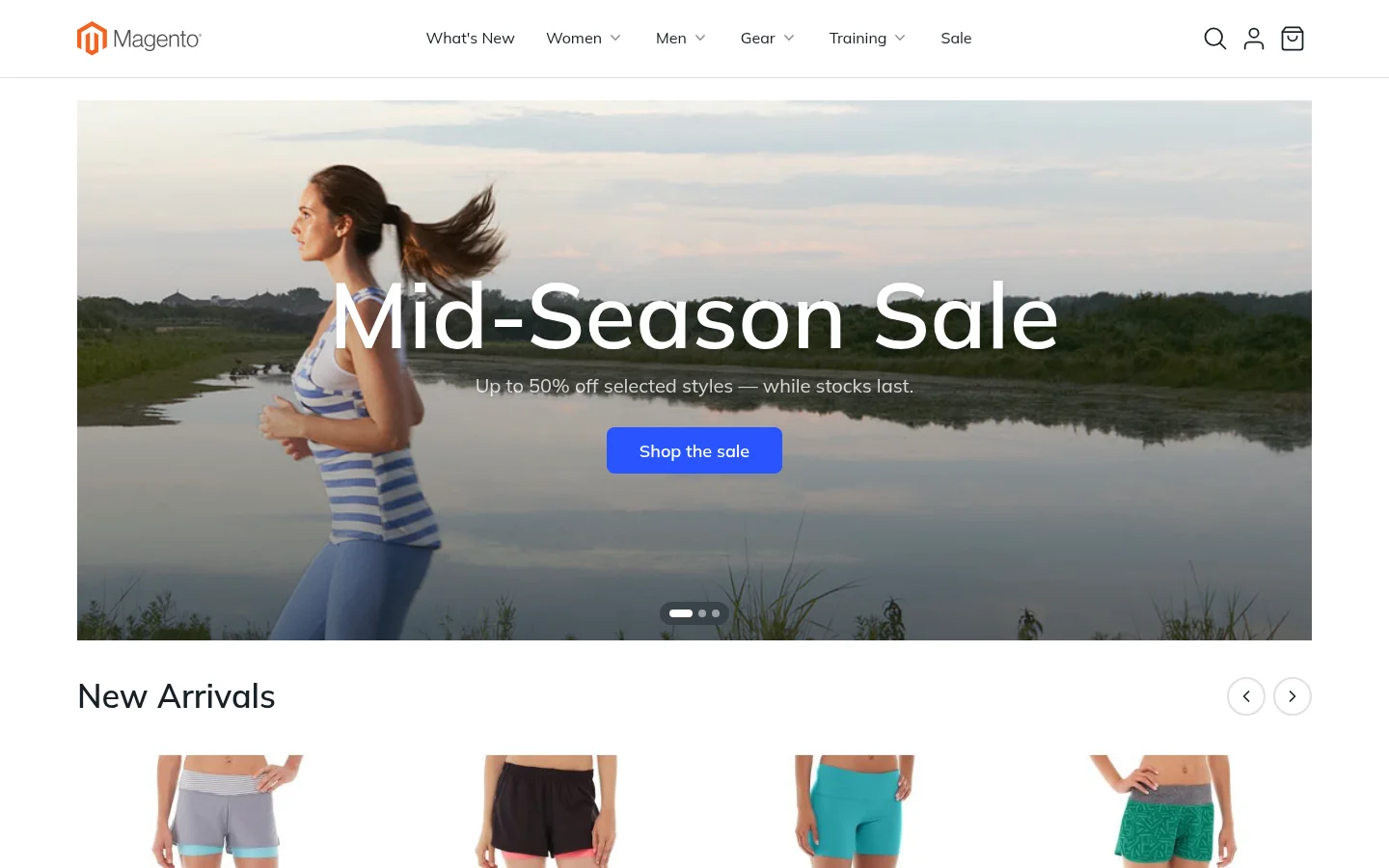
Lynx is a complete frontend solution for Magento, not just a theme. It turns your Magento 2 store into a single-page application (SPA) and brings together everything the storefront needs:
- A fast, app-like storefront in Vue or React
- A drag-and-drop page builder for every page of the store
- Server-side rendering for search engines
- Server-side optimizations that make Magento build pages faster
- Ready-made integrations for PayPal, Braintree, Stripe, analytics and reCAPTCHA
It replaces the look and feel of your store while your catalog, orders, customers and extensions stay exactly where they are in Magento.
Why Lynx
Lynx started from the everyday frustrations of working on Magento storefronts:
- Changing the frontend should be simple. In a standard Magento theme, even a small change means working through layout XML, blocks, containers and templates spread across many modules. With Lynx, pages are made of blocks you arrange in a visual editor, and developers write ordinary components.
- Every page deserves drag and drop. Most page builders only cover CMS pages and a few content areas. Lynx brings drag and drop to every page of the store: home, categories, product pages, cart, checkout, the customer account and more.
- The frontend should use the tools developers already know. Magento's KnockoutJS, RequireJS and jQuery stack is hard to hire for and slow to work with. Lynx replaces it with Vue or React, the most widely used JavaScript frameworks today.
The result is a storefront that is faster for shoppers, easier for merchants to change, and more pleasant for developers to build on, without leaving Magento.
What you get
Magento as a single-page app
In a classic Magento theme, every click reloads the whole page. Lynx turns the storefront into a single-page application: when a shopper clicks a link, only the part of the page that changes is loaded. The header, the cart and the menu stay in place, so moving from a category to a product and on to the cart feels instant, like a mobile app.
No API required. Pages get their data straight from Magento, the same way a classic theme does, so there is no GraphQL layer or custom API to build and maintain. Unlike a headless storefront, there is also no separate frontend to build, host and keep in sync. Lynx runs inside Magento, uses Magento's own pages, URLs and caching, and works with the Magento admin you already know. Every page is still a real web page with its own address, so links, the back button and search engines work as usual.
A page builder in your Magento admin
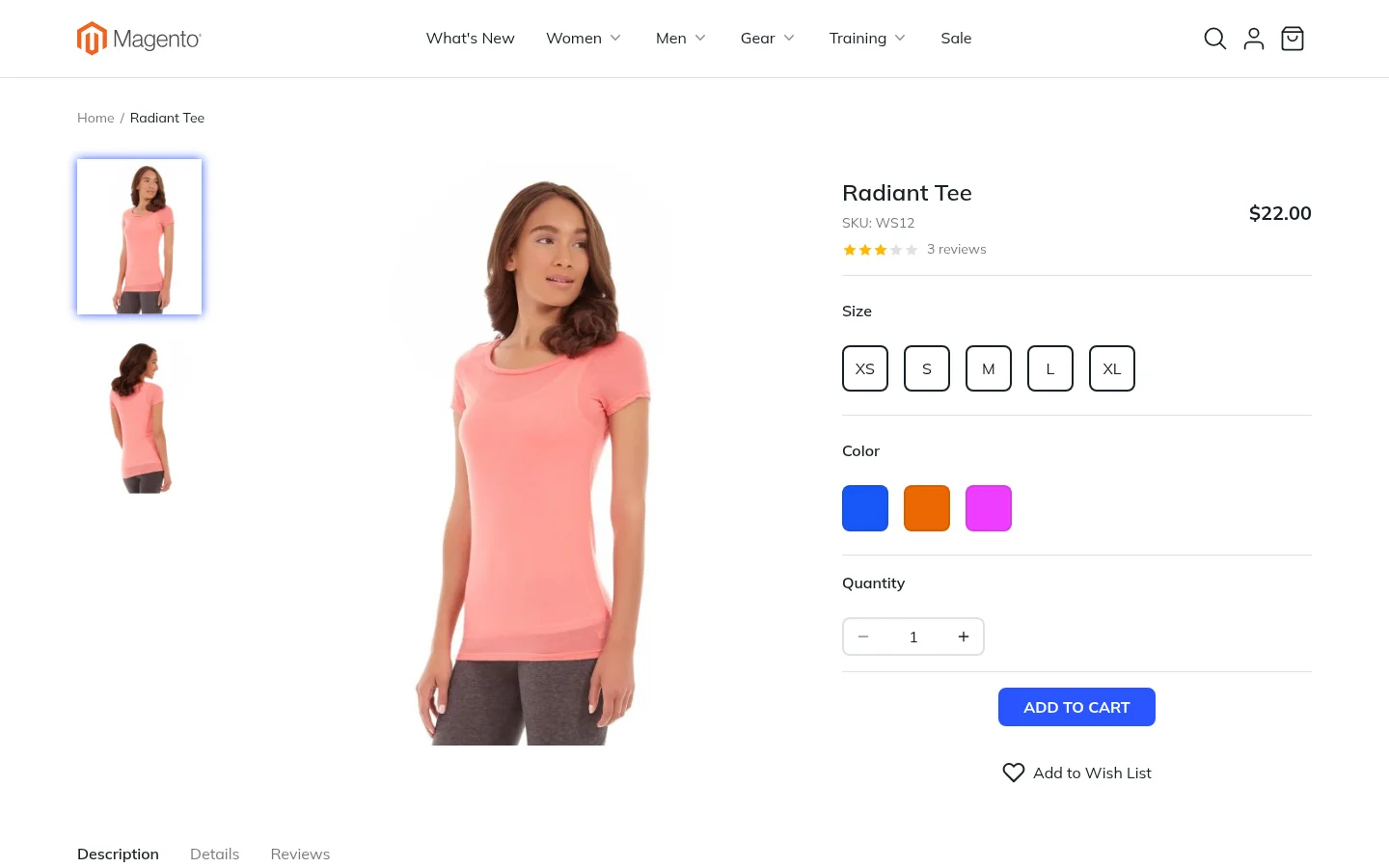
Every page of the store is made of blocks such as banners, product carousels, text and columns. You add, move and configure these blocks in a visual editor, and a live preview shows the result on desktop, tablet and phone before you save. See The Editor.
One set of design settings
Brand colors, corner shapes, border thickness, text size and page widths live in one place. Change the main color once and every button, link and highlight in the store follows. See Design Settings.
Every page a shopper visits
Lynx covers the whole shopping journey:
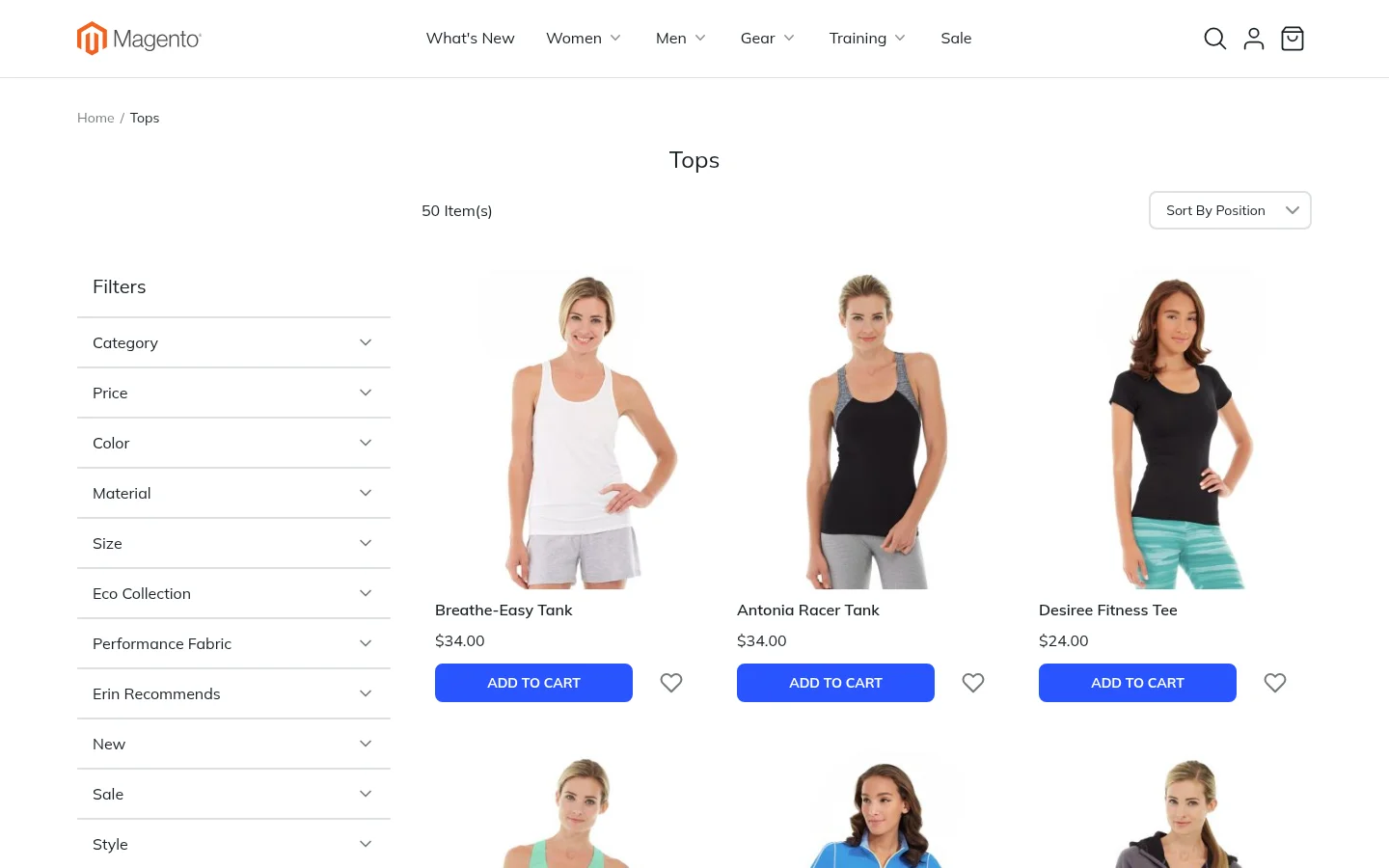
- Home page, categories, search results and advanced search
- Product pages for every Magento product type: simple, configurable, bundle, grouped, virtual and downloadable
- Shopping cart, mini cart and a one-page checkout
- Sign in, registration, password reset and the customer account area
- Order history with invoices, shipments, refunds and printing, also for guests through Orders and Returns
- Contact form, newsletter, wish list and the "page not found" page
A modern frontend stack
Magento's standard storefront is built on an older stack: KnockoutJS for interactive parts, RequireJS to load scripts, jQuery, and LESS for styles. Lynx replaces all of it on the pages it designs:
| Magento's standard theme | Lynx |
|---|---|
| KnockoutJS and jQuery | Vue 3 or React 19 |
| RequireJS loading many small scripts | Modern JavaScript modules, built and bundled ahead of time |
| LESS compiled during deployment | Tailwind CSS 4 and daisyUI 5, driven by your design settings |
Lynx pages do not load RequireJS, KnockoutJS, jQuery or the LESS stylesheets at all. Styling uses Tailwind CSS, the utility-first CSS framework, and daisyUI, its component library for buttons, fields, cards and notices. Both read their colors, corners and sizes from your design settings, so one change updates the whole store. Developers work with tools they already know from the wider web, and shoppers download far less code.
Two editions: Vue and React
Lynx comes in two editions, Lynx Vue and Lynx React. They look the same, offer the same components and use the same page builder. The only difference is the JavaScript framework underneath, which matters to the developers who extend your store. If you are not sure, choose Vue.
Every language, including right-to-left
Lynx uses Magento's own translations, so a store view in another language is translated with the language packs you already use. Right-to-left languages such as Arabic, Hebrew and Persian are fully supported: when a store view uses one, the whole storefront mirrors automatically. The menu, filters, product cards, sliders, the cart and the checkout all read from right to left.
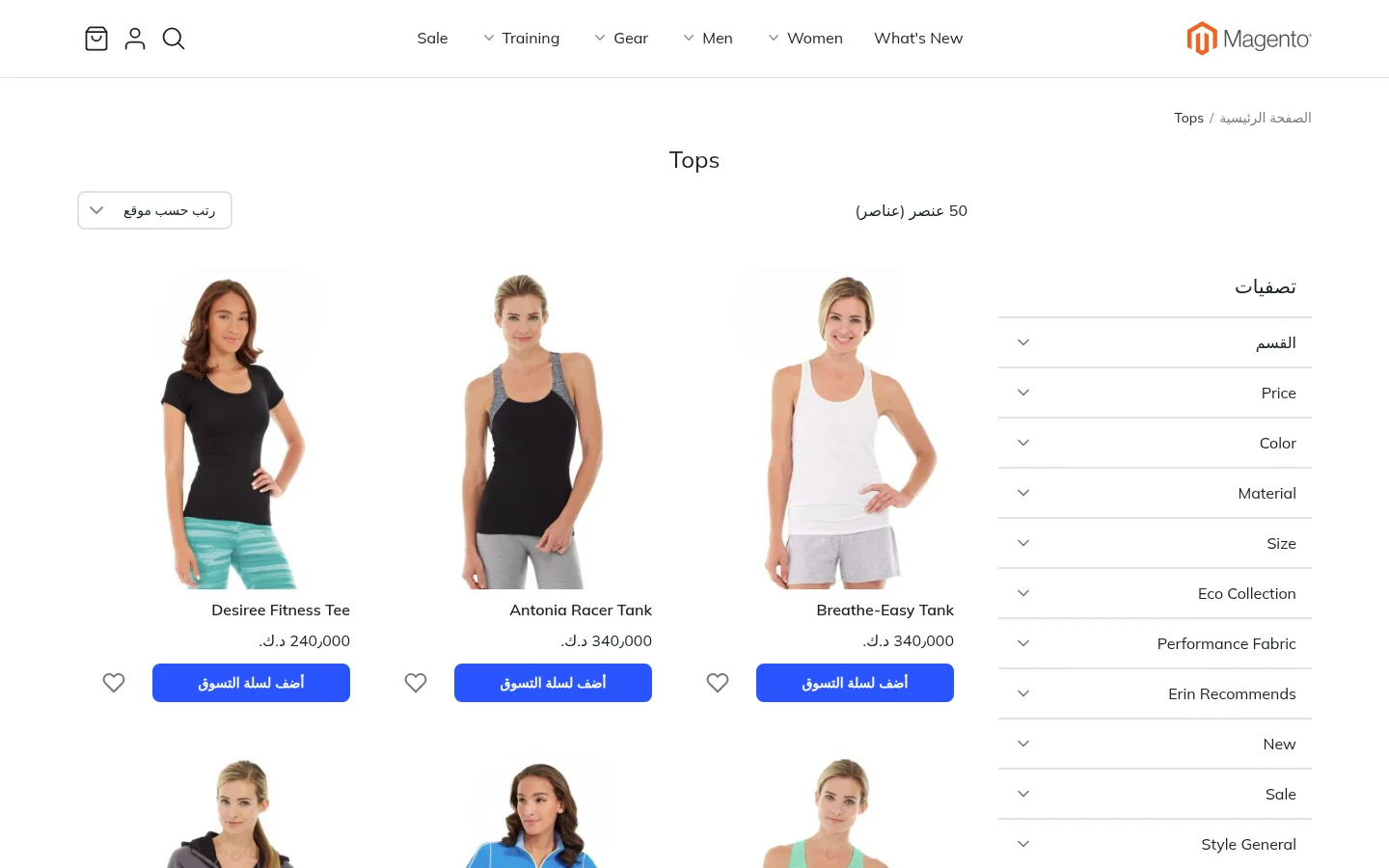
There is no separate right-to-left design to build. Blocks use Start and End instead of left and right, so the same design works in both directions. See Right-to-left Languages.
What stays the same
Lynx changes how your store looks, not how it works:
- Products, prices, stock, promotions and orders are managed in Magento as before.
- Customers keep their accounts, addresses and order history.
- Store views, currencies and languages work as usual. Text shown to shoppers uses Magento's own translations.
Pages Lynx does not cover
Some extensions bring their own storefront pages. For pages that Lynx does not design, you can send shoppers to a standard Magento theme instead, page by page. See Settings.