
Appearance
Browsing and Search
Moving around the store
The header holds your logo, the category menu, search, the wish list, the account and the cart. When a shopper follows a link, only the part of the page that changes is loaded. The header, the menu and the cart stay in place, so moving around feels instant.
The menu shows the categories marked Include in Menu in the catalog, with submenus that open on hover on desktop and on tap on phones.
Category pages
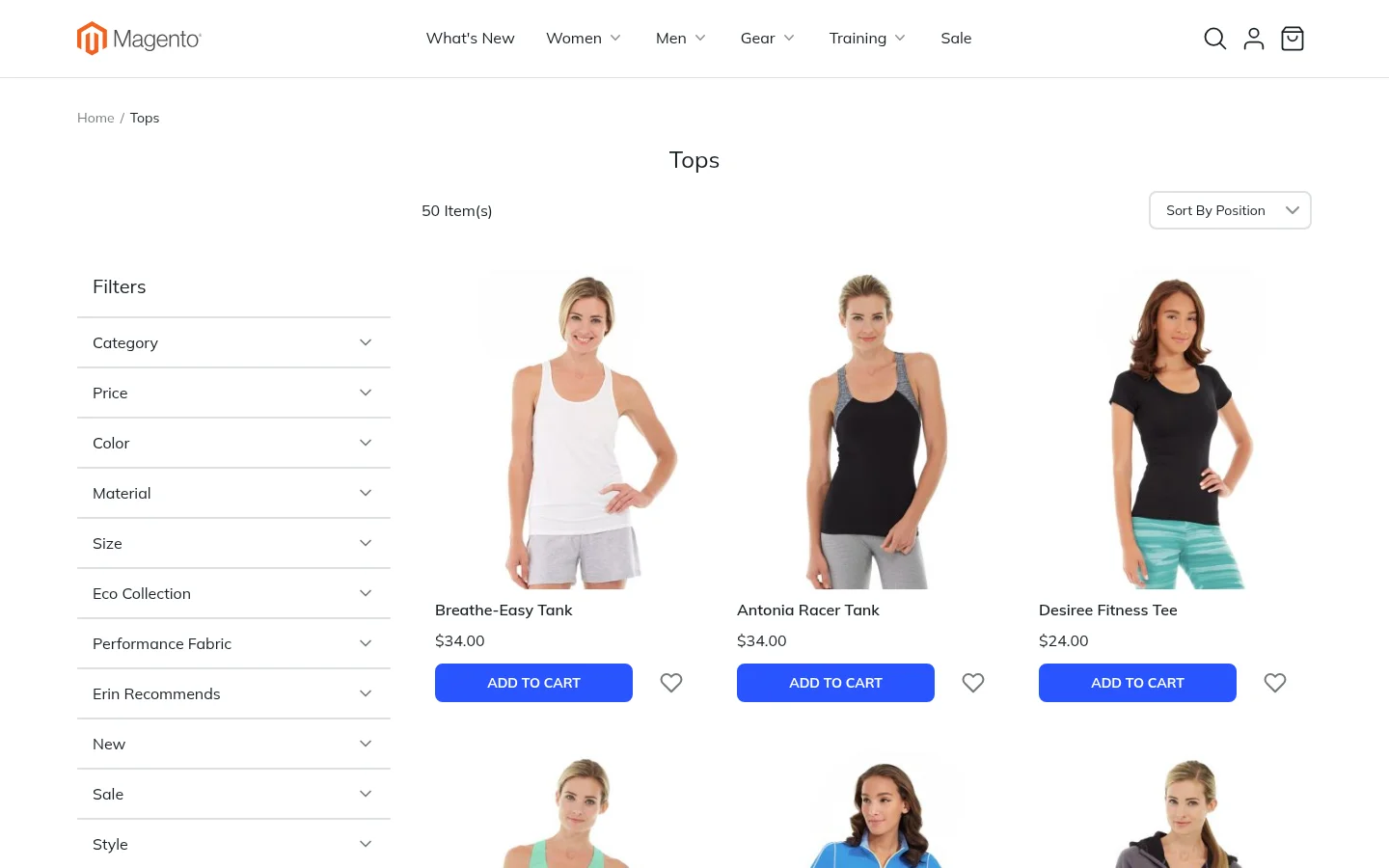
- Filters: the attributes you marked as filterable, such as price, color and size. Each filter opens and closes, and the active filters are shown above the products so they can be removed one by one.
- Sorting: Magento's sort options, such as position, name and price.
- Pages: long categories are split into pages.
- Product cards: image, name, price, Add to Cart and the wish list heart. Products on sale can show a percentage-off badge. Configurable products can show their color and size options on the card, so a shopper can add a variant without opening the product.
Prices on the cards are the same as on the product page, including catalog price rules, special prices and the shopper's currency. Bundle and grouped products show "From", "To" and "Starting at" the same way Magento does.
A category can also get its own designed content with Design with Lynx.
Search
The search icon in the header opens a search field. Results are shown in the same grid as categories, with filters and sorting.
The store also includes:
- Advanced Search, with a field for every attribute marked Use in Advanced Search
- Popular Search Terms, listing what shoppers search for most, bigger and bolder for the most popular
Product pages
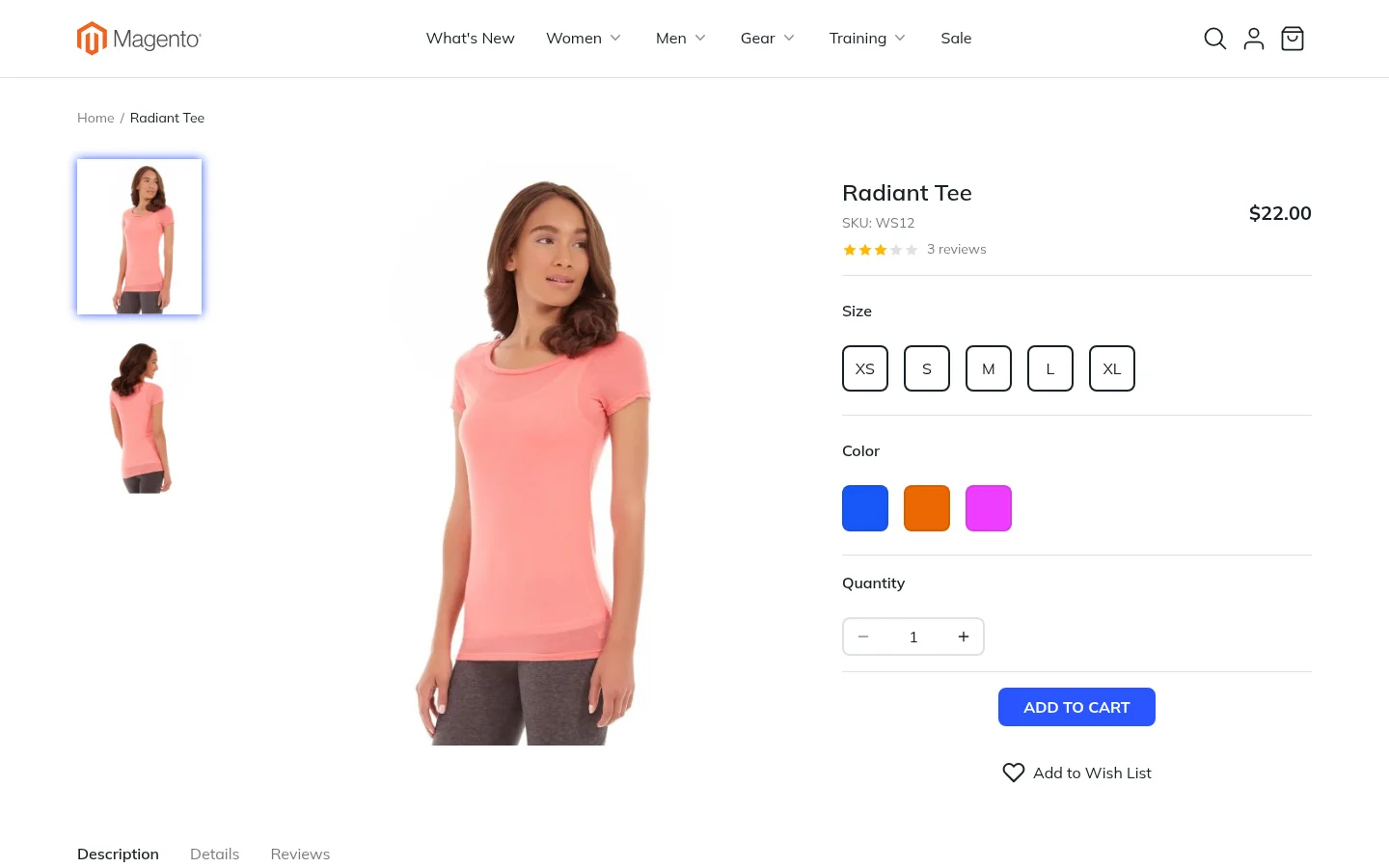
Each Magento product type has its own product page:
- Simple and virtual products: gallery, price, quantity and Add to Cart.
- Configurable products: color swatches and size tiles. Picking an option switches the images and the price.
- Bundle products: the shopper builds the bundle option by option, with a running total.
- Grouped products: every product in the group with its own price and quantity.
- Downloadable products: the links to buy and the samples to try first.
Custom options, such as engraving text or a file upload, are shown with their prices. Below the main area, tabs hold the description, the specifications table and the reviews, where customers can read ratings and write a review.
Wish list
The heart on product cards and product pages saves a product to the customer's wish list. The header shows how many products are saved.